A desktop you already know
Start menu, taskbar, snap layouts, Task view and the Windows 11 keyboard shortcuts, including Win+E, Win+Tab and Win+Shift+S.
ESO OS 2.3.0 · free and open source
Familiar like Windows 11, light enough for an old laptop, powerful enough for a gaming PC. No ads, no accounts, no tracking.
64-bit AMD or Intel PC · BIOS and UEFI · with or without a graphics card
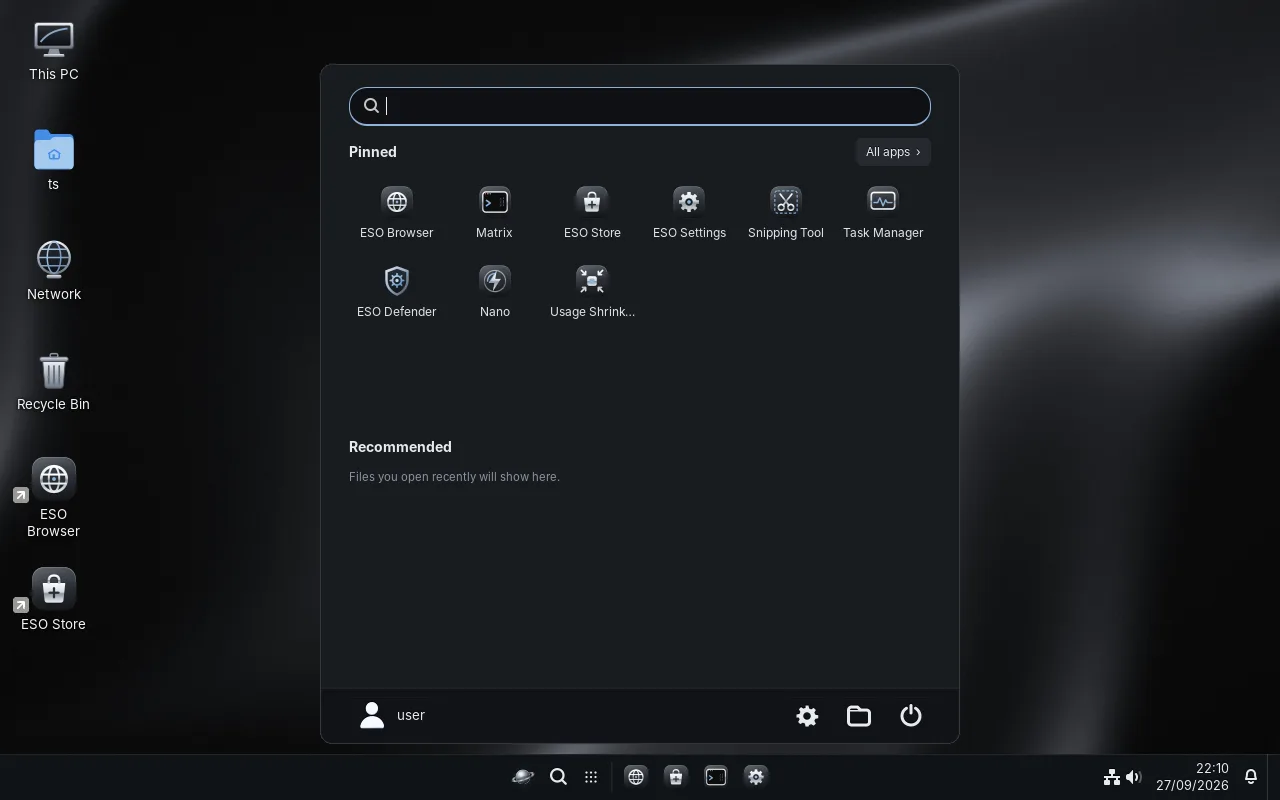

ESO OS is built on Debian 13 with the latest Linux kernel and graphics drivers, then tuned for speed at every layer.
Start menu, taskbar, snap layouts, Task view and the Windows 11 keyboard shortcuts, including Win+E, Win+Tab and Win+Shift+S.
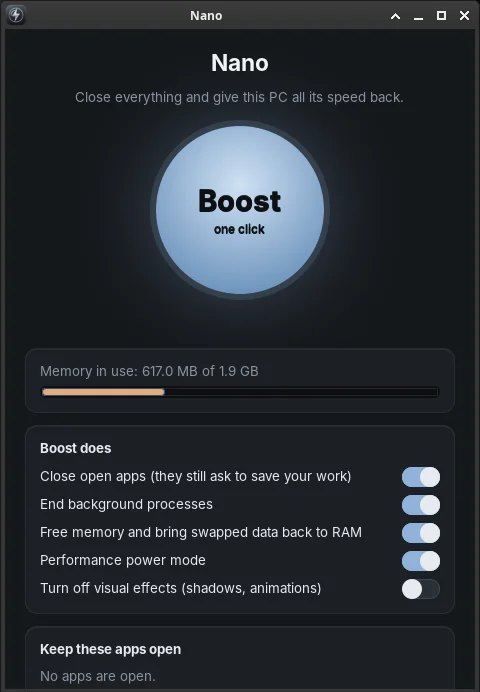
Closes what you don't need, frees memory and switches to performance mode. It freed 440 MB in 1.4 seconds in our tests.
Lowers what background apps and games use without closing them, crashing them or losing your work. You choose which apps may run in the background.
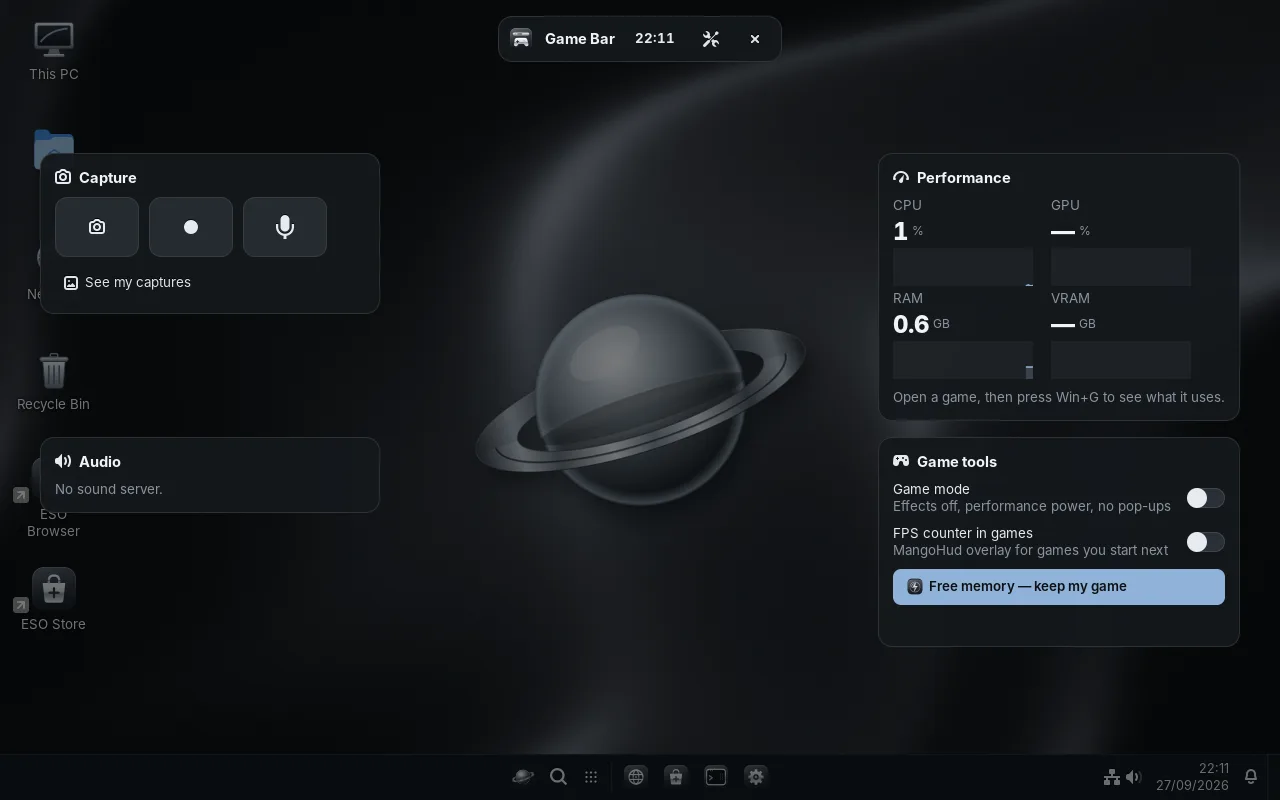
Steam and Epic games (Heroic), Game mode, and the Game Bar (Win+G) with live performance, audio and one-click memory cleanup.
zsh, Bash, PowerShell, and Ubuntu, Arch and Fedora containers, all in tabs and split panes. Like Windows Terminal with WSL.
Watches system files in real time and repairs damaged or deleted ones by itself, even after an attack on the Defender itself.
New versions arrive straight from this website and install quietly in the background. You can turn them off with one switch.
No telemetry and no ads. Checking for updates is a plain file download: no ID and no account.
Thousands of apps from Debian and Flathub, including Steam, Discord and VS Code, installed with one click.
3.0Items marked 3.0 arrive with ESO OS 3.0, a free update that is coming soon. ESO OS 2.3.0 is available to download today.
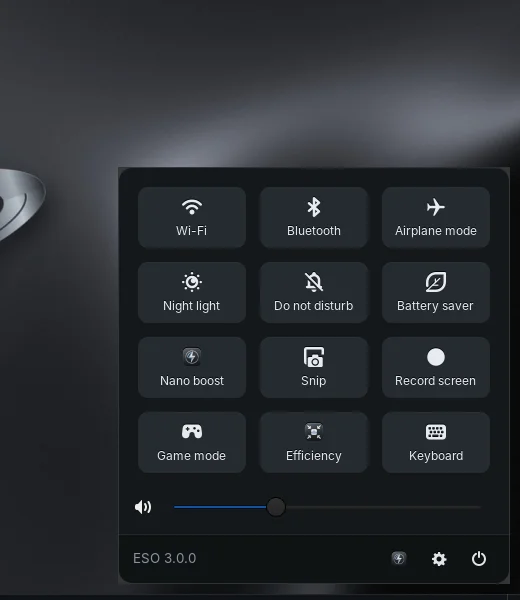
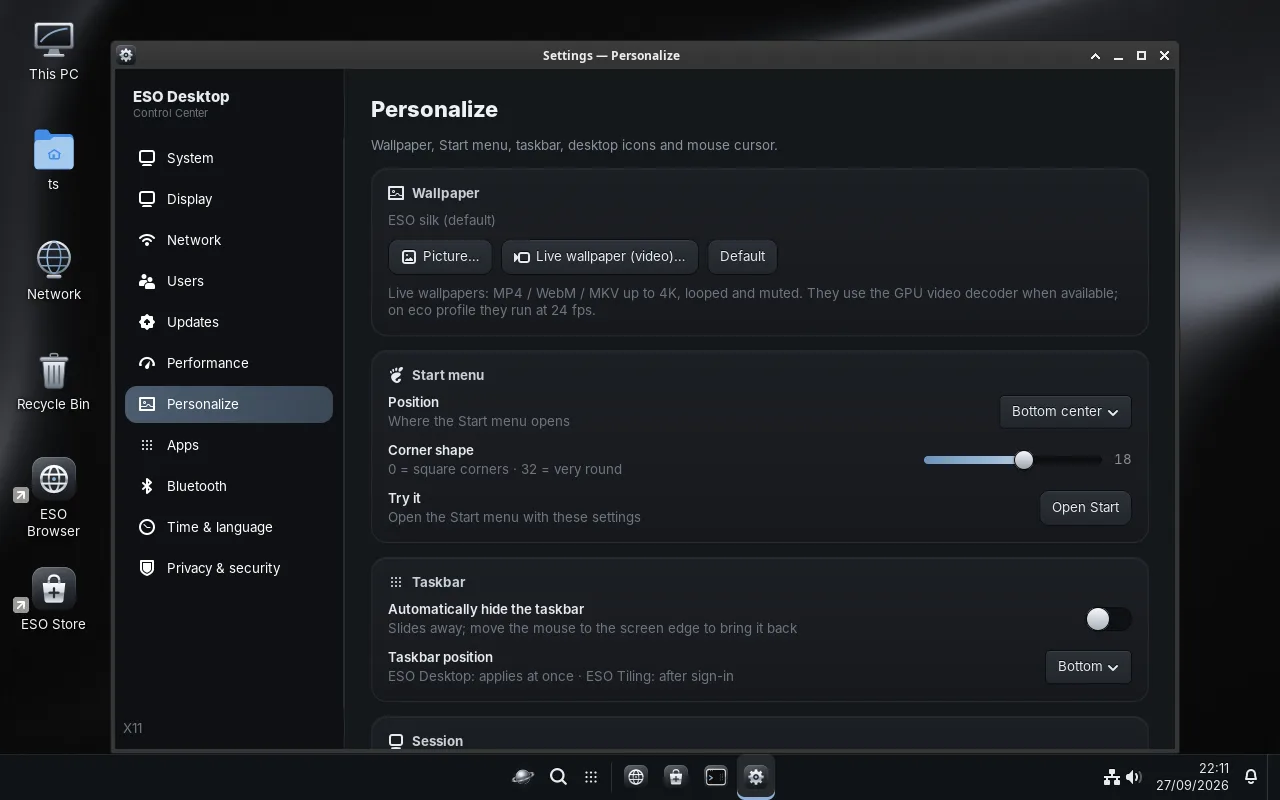
Your PC stays up to date on its own, safely, and only if you want it to.
ESO checks this website every 6 hours and installs updates in the background at the lowest priority. You get a notification when it's done.
Every update is signed with the ESO release key. Anything unsigned or replayed is refused, even if the server were hacked.
A snapshot is taken before installing. If anything goes wrong, go back to the previous version in one click.
Settings → Updates → Automatic updates. When it's off, ESO doesn't contact the internet for updates at all.
Updates also wait while you play (Game mode), on metered connections and on low battery.
Try ESO OS from a USB stick without changing anything, then install it when you're ready.
Download ESO OS 2.3.0