
Features
A complete desktop operating system: fast to learn, fast to use.
3.0Items marked 3.0 are new in ESO OS 3.0. They're already in the 3.0 Preview you can download today, and the final 3.0 arrives as a free automatic update.
Familiar desktop
Everything is where you expect it, and it responds instantly.
- Start menu with pinned apps, all apps and instant search (apps, settings, files, calculator)
- Taskbar with pinned apps and window previews; place it at the bottom, top, left or right, and set it to auto-hide
- Snap layouts, Task view and virtual desktops
- Desktop icons (This PC, user folder, network, Recycle Bin) with drag and drop and mouse multi-select
- Windows 11 keyboard shortcuts, plus a Run box that understands notepad, calc and taskmgr
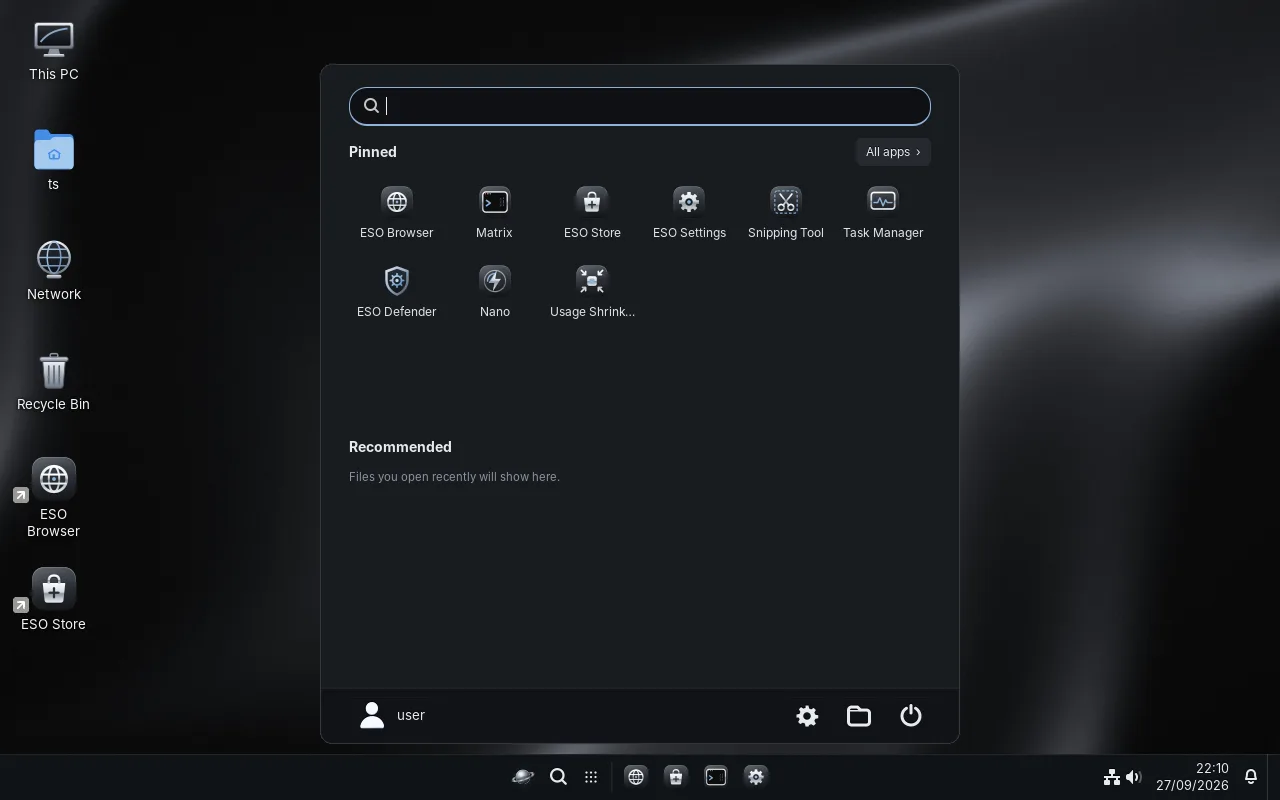
Quick Settings and notifications 3.0
Wi-Fi, Bluetooth, volume, night light, Do not disturb and more, one click away (Win+A).
- Night light with a schedule
- Notification Center with calendar (Win+N)
- One-tap tiles for Nano boost, Snip, screen recording, Game mode and Efficiency mode
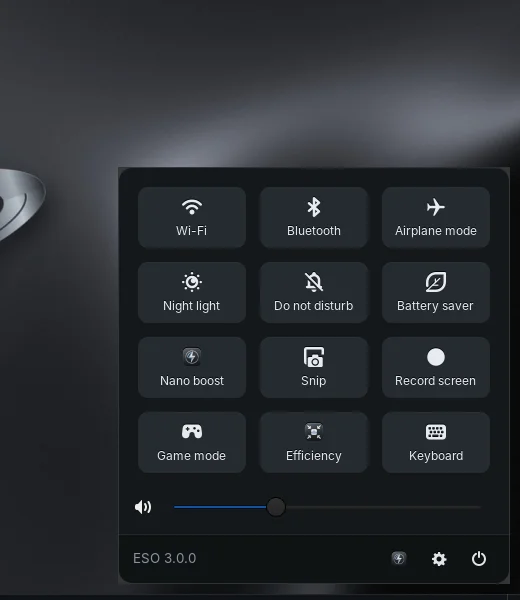
Nano and the Usage Shrinker 3.0
Two tools that make any PC feel new.
- Nano closes apps you don't need (they still ask you to save your work), ends background tasks and frees memory
- Keep list: the apps you choose are never touched
- The Shrinker lowers background apps' CPU, memory and disk use without closing them
- Minimized apps can be paused until you open them again
- You decide which apps may run in the background
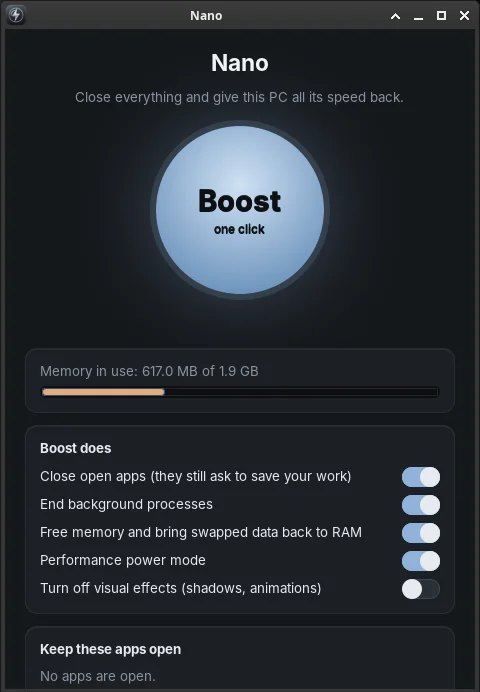
Gaming 3.0
Play your library without a fight.
- Steam, Epic Games and GOG (Heroic), Lutris and controllers
- Game Bar (Win+G): CPU, GPU and RAM graphs, audio mixer, screen recording
- Game mode: effects off, performance power plan, no pop-ups
- FPS counter and FPS cap (MangoHud)
- Free memory: pushes background apps aside while your game keeps running
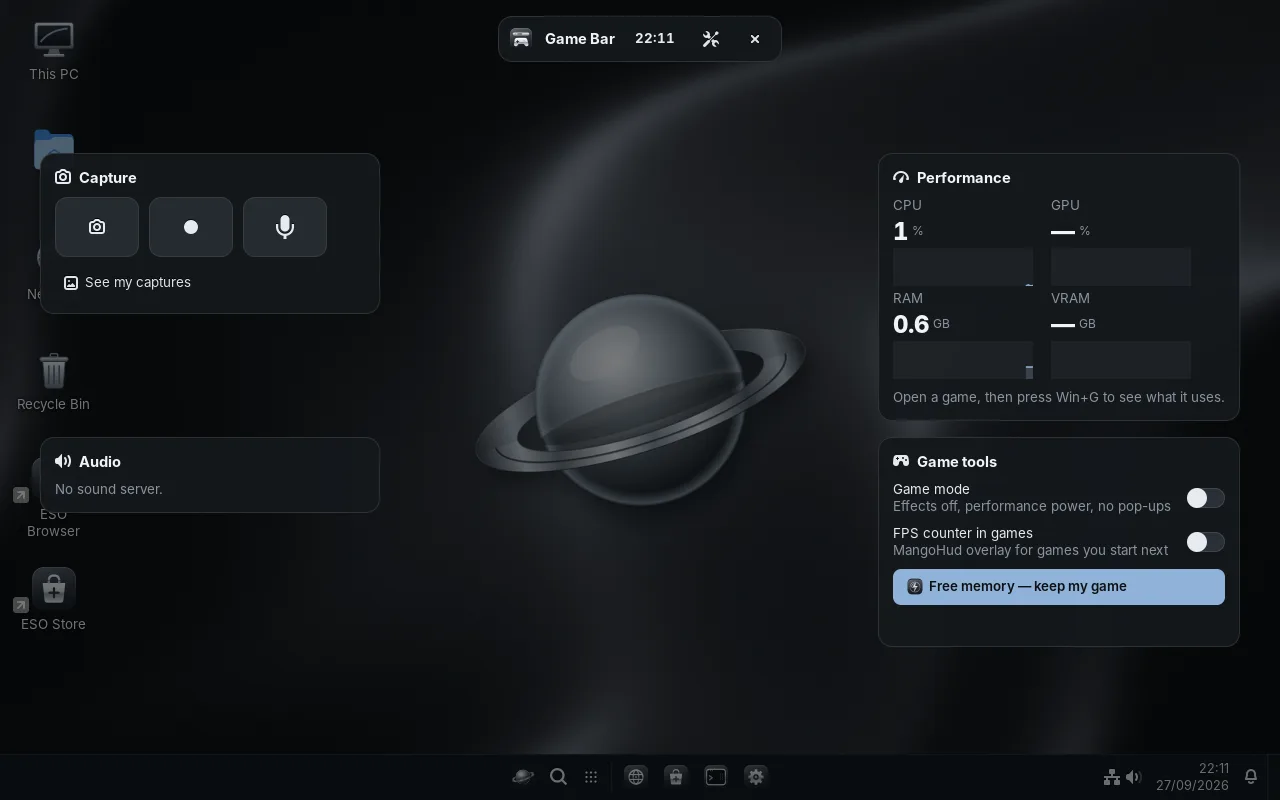
Settings you can understand
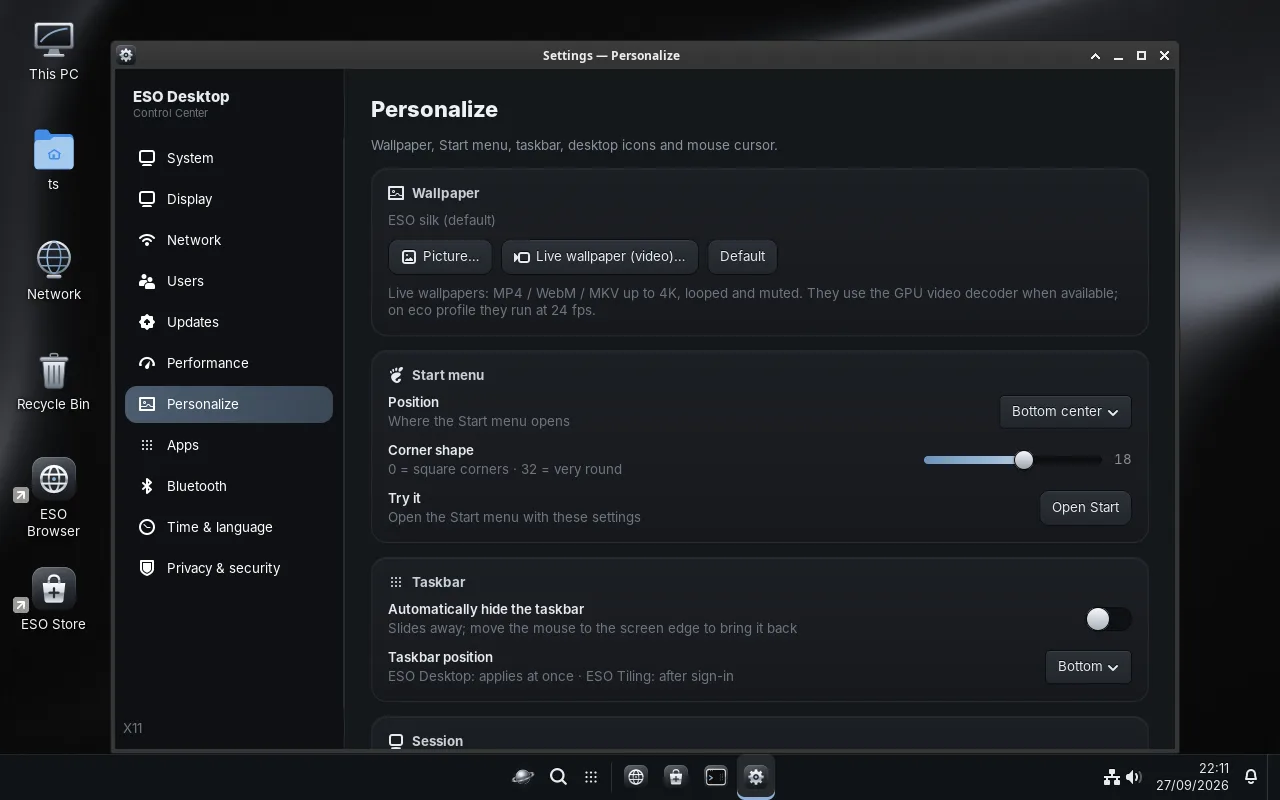
One place for display, network, Bluetooth, users, updates, performance, personalization, apps, time and language, and privacy.
- Scale 100 % (or 80 %) with automatic resolution
- Wallpapers and live 4K video wallpapers
- Start menu shape and position, taskbar size and position
Security
Safe by default, without getting in your way.
- ESO Defender: real-time protection and self-repair of system files
- Signed automatic updates that you can switch off (from ESO OS 3.0)
- No password by default, optional password and lock screen (Win+L)
For developers
A great machine for coding, out of the box.
- Matrix terminal with tabs and split panes
- Ubuntu, Arch, Fedora and Alpine containers that share your home folder, like WSL
- PowerShell 7 included
- Podman and distrobox for containers
Moving from Windows
Keep your habits, lose the weight.
- The same shortcuts and a familiar layout
- Windows programs through Wine, and Windows games through Proton
- Try it live from USB before installing